External monitor brightness control —
from one place.
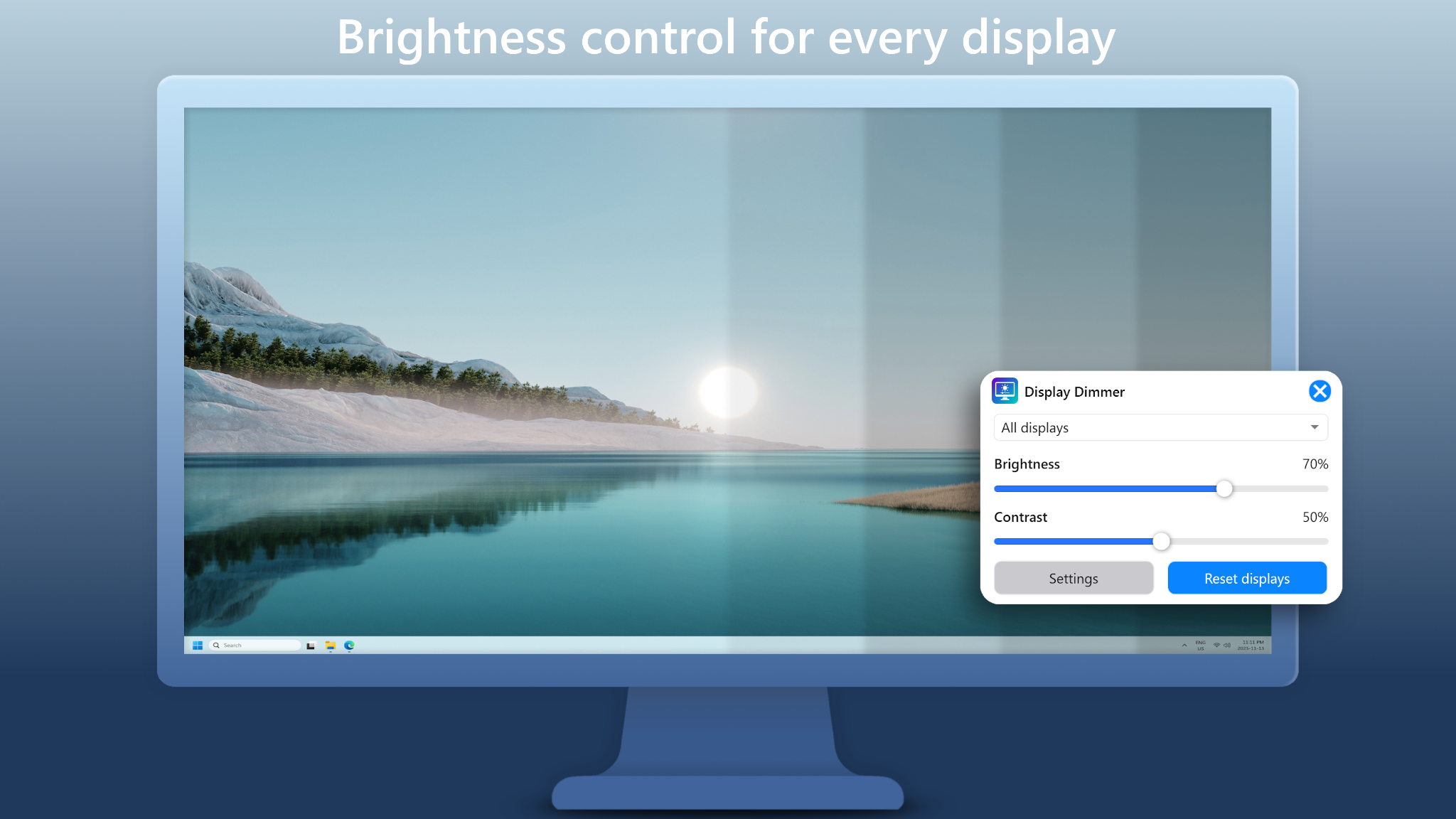
Adjust brightness (and contrast) for any connected display right from Windows. No more reaching behind the screen or digging through on‑screen menus.
Display Dimmer is a lightweight, native Windows app for external monitor brightness control. It uses DDC/CI when supported, with a safe GPU dimming fallback for monitors that don’t behave well with hardware control.
- Adjust external monitor brightness from the taskbar
- Optional DDC/CI hardware control (when supported)
- Safe GPU-based dimming fallback for unsupported displays
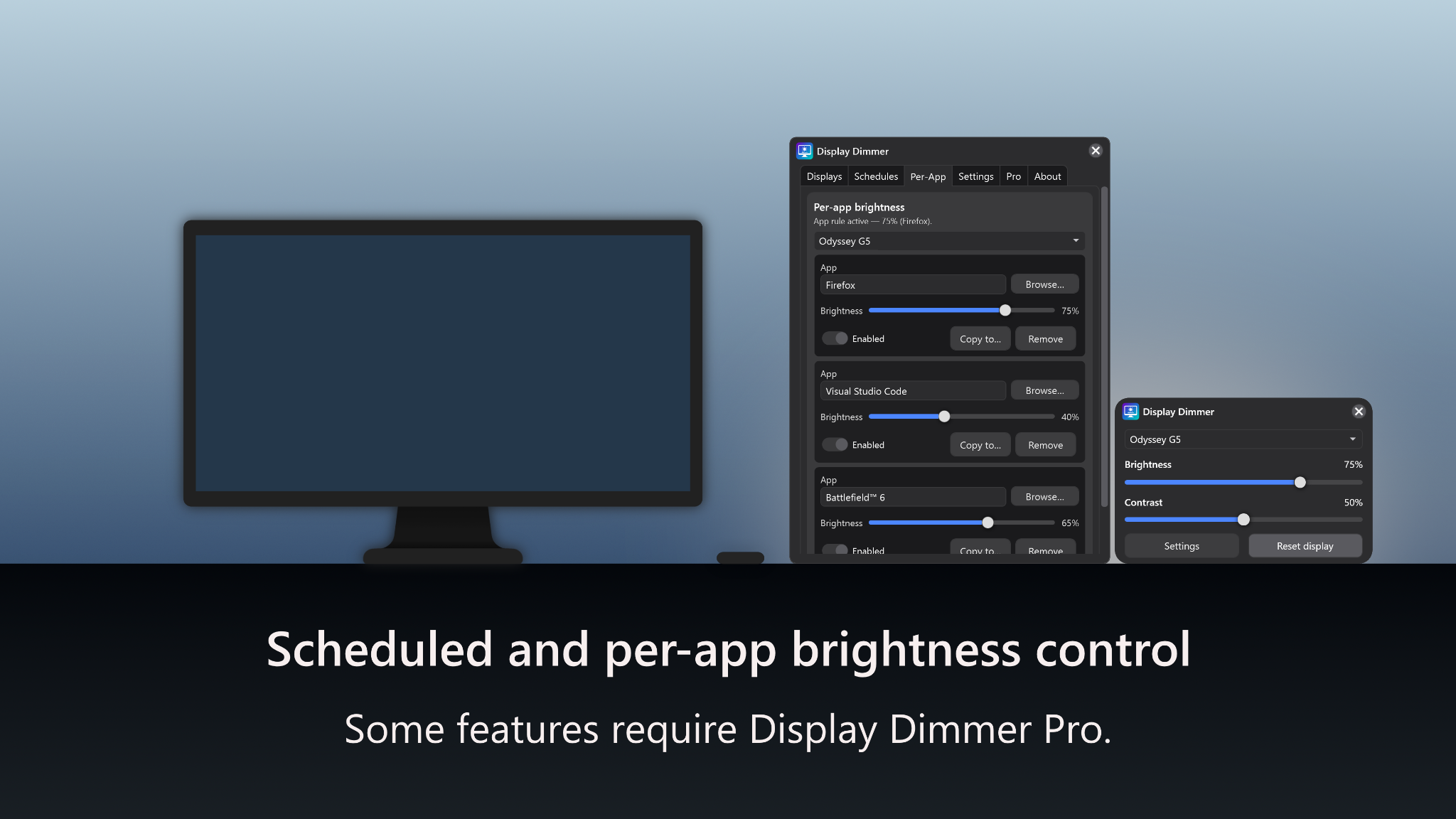
- Time-of-day schedules and per-app rules
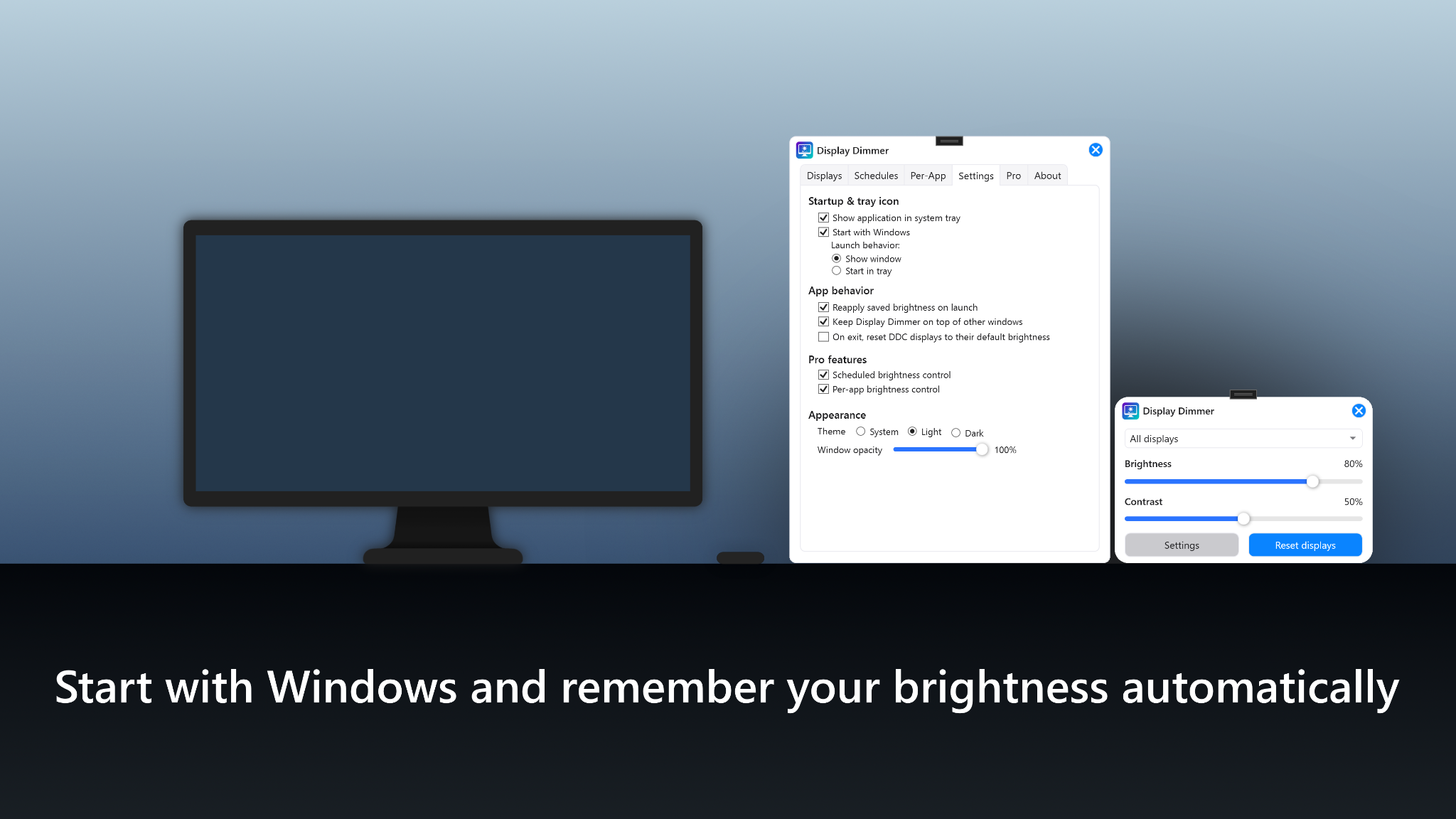
Screenshots
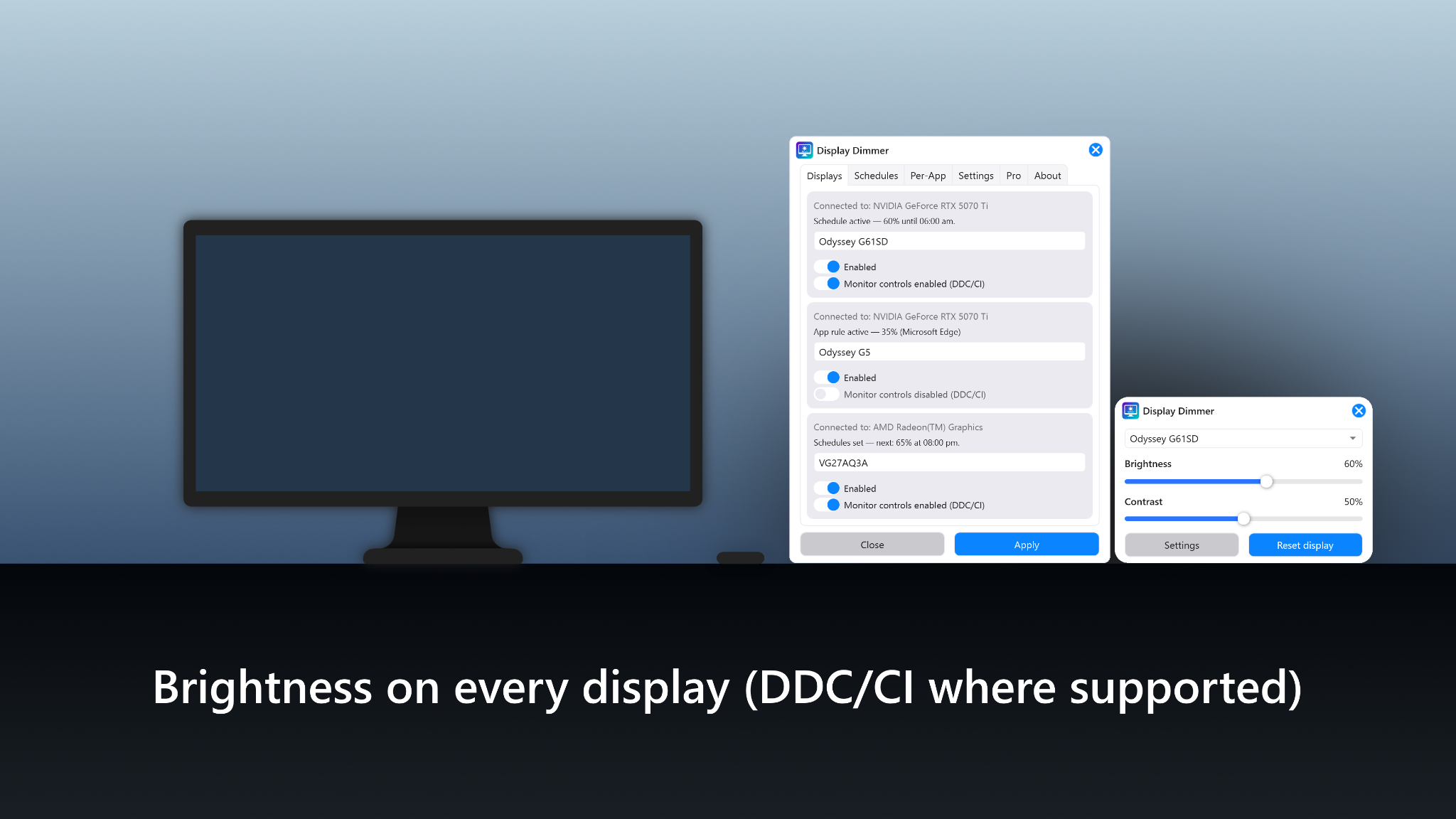
Real UI screenshots from Display Dimmer.
Key features
Everything you need for comfortable monitor brightness control on Windows.
Made for external displays
Per‑monitor brightness and contrast controls for docks, dual/triple monitors, and mixed display setups.
Lightweight & responsive
Built as a native Windows app designed to stay responsive and memory‑efficient.
Schedules & per‑app rules
Set time‑of‑day brightness schedules and per‑app rules so your screens adjust automatically.
DDC/CI + fallback
Uses DDC/CI when supported. If hardware control isn’t available (or causes flicker), you can use GPU dimming.
How it works
- DDC/CI brightness control sends commands directly to the monitor (when supported and enabled in monitor settings).
- GPU dimming fallback provides a safe alternative for monitors that don’t behave well with DDC/CI.
- Per‑monitor compatibility lets you disable DDC/CI per display for best results.
Free vs Pro
Free includes 1 scheduled rule and 1 per‑app rule for All Displays. Display Dimmer Pro unlocks unlimited rules, including per‑display rules, plus additional themes.